
Already in the hands of 152+ K-12 teachers
For K-12 teachers who want their evenings back
Make AI draft your lesson plans, sub plans and parent emails in your voice... and get your evenings back
ClassBrain is a one-afternoon setup that gives the AI you already use (ChatGPT, Claude or Gemini) a memory of your classroom.
So every draft starts from your room instead of a blank guess.
One-time paymentInstant access30-day money-back guarantee
(and every privacy rule like it, wherever you teach)
See the difference
Same AI, same request... two very different emails
Here's what a teacher gets back when she asks AI for a quick note to a parent. First without... then with ClassBrain.
An illustration of how it works, with a made-up student. Your ClassBrain is built from your own classroom and your own writing, with students in initials only.
Dear [Parent's Name],
I hope this email finds you well! I wanted to take a moment to reach out regarding M.R.'s academic journey in our class.
I have noticed that M.R. has missed three homework assignments this week. Consistent homework completion is essential to ensuring that your child reaches their full potential.
I believe that by fostering a collaborative partnership between home and school, we can support M.R. in navigating these challenges together.
Please do not hesitate to reach out with any questions or concerns.
Best regards,
[Your Name]
Hi Mrs. R,
Quick heads-up from Room 14... M. has missed three homework assignments this week (Monday, Tuesday and Thursday's fractions practice).
She's doing great in class, so I don't think it's a skills thing. Would it help if she stayed 10 minutes at lunch on Friday to catch up?
Thanks so much,
Ms. Carter
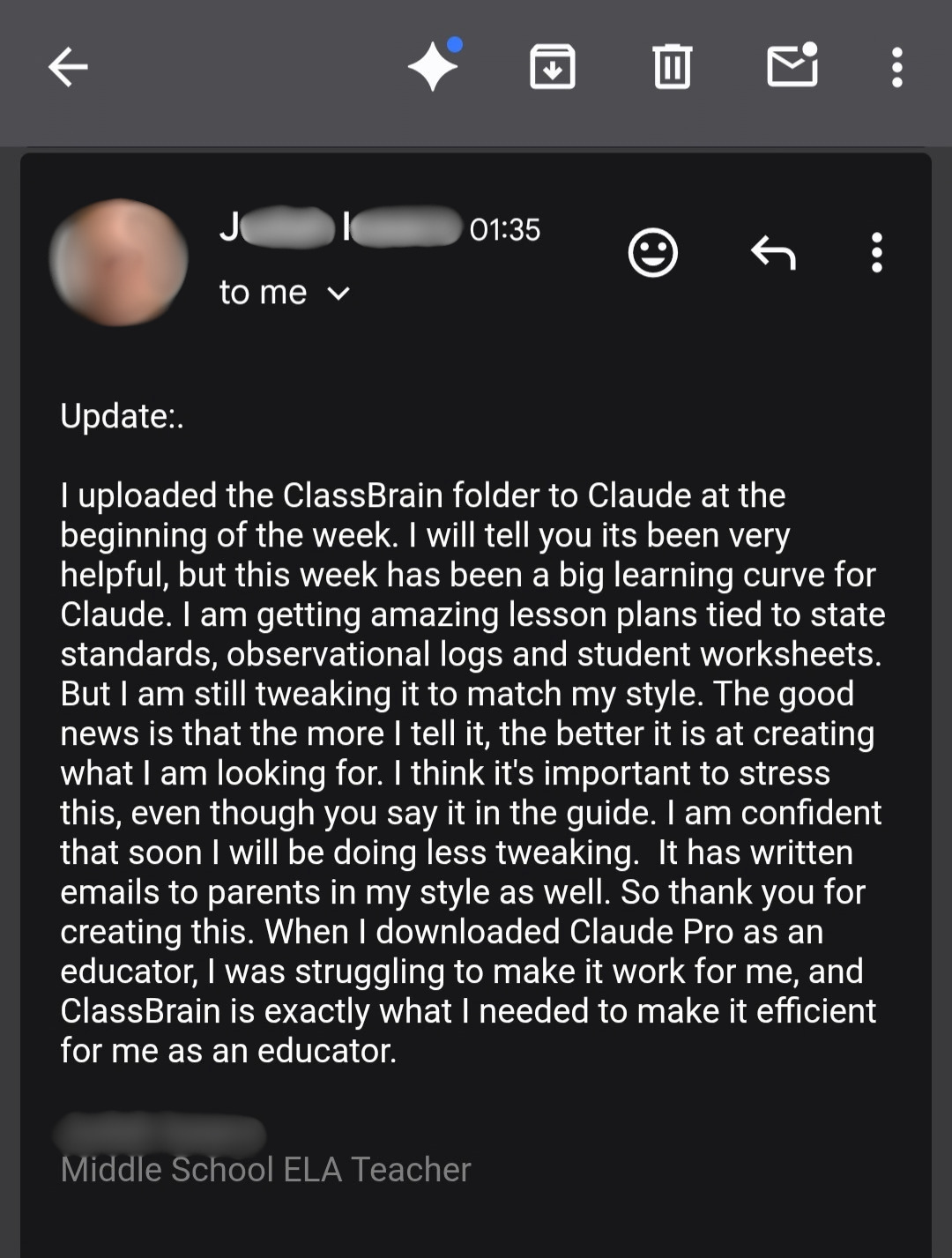
"When I downloaded Claude Pro as an educator, I was struggling to make it work for me, and ClassBrain is exactly what I needed to make it efficient for me as an educator."
"Setup was super easy, and I was up and running in no time."
"Btw now that I am a week or so into ClassBrain, I have managed to get out on time 3 times in the last few days."
What it is
What is ClassBrain?
ClassBrain is a step-by-step guide that walks you through building one small folder of plain files on your own computer... your classroom's memory.
It holds your grade, your schedule, your students (initials only), your standards, your formats, and the way you write.
And before every task, your AI reads it first. Every single time.
So instead of explaining your class all over again in every new chat... you just ask, and the draft comes back already fitted to your room.
And it works with ChatGPT, Claude, and Gemini... it's yours to keep, with no subscription and no new platform to learn.
- profileYour grade, your schedule, how your school does thingsReading
- studentsInitials only, and what each one needsReading
- standardsThe standards you teach, by codeReading
- rulesYour formats and your non-negotiablesReading
- voiceThe way you actually writeReading
How it works
One afternoon of setup... then it works for you every day
- 1
Build it once
The guide hands you a copy-paste prompt for every file, so your AI does the typing and you just answer questions about your classroom. And the whole setup takes about an afternoon.
- 2
Your AI reads it before every task
Lesson plan? It pulls your grade, your standards, and your kids. Parent email? Your voice file, and the way you like to deliver hard news.
- 3
Ask in plain words
Even a short, lazy ask comes back fitted to your room... so you read it, change a thing or two, and use it.
And nothing goes out without passing through you first. You still do all the teaching... ClassBrain just takes the busywork you never signed up for.
What you get
Everything you get for $27
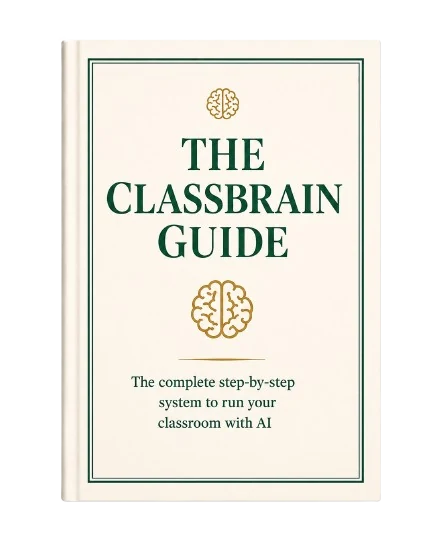
The ClassBrain GuideThe complete step-by-step, written for someone who has never touched AI in their life, with a copy-paste build prompt for every file so your AI does the typing.
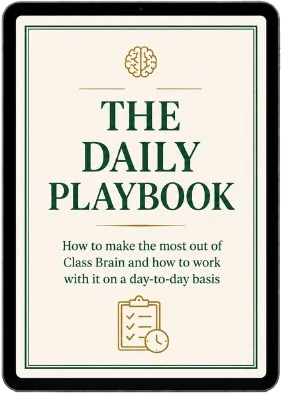
Free bonus: The Daily PlaybookThe day-by-day rhythm that pays for the system in your first week.
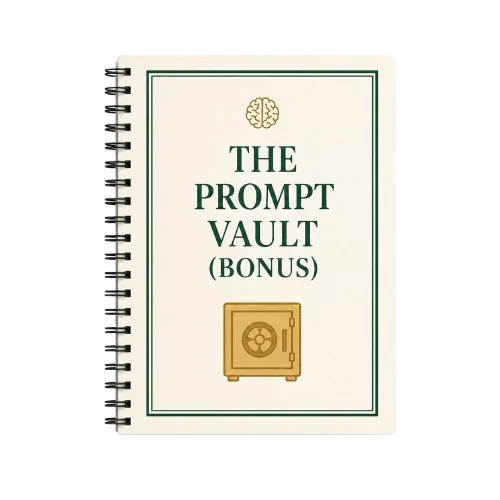
Free bonus: The Prompt Vault35+ copy-paste prompts for the jobs that eat your week.
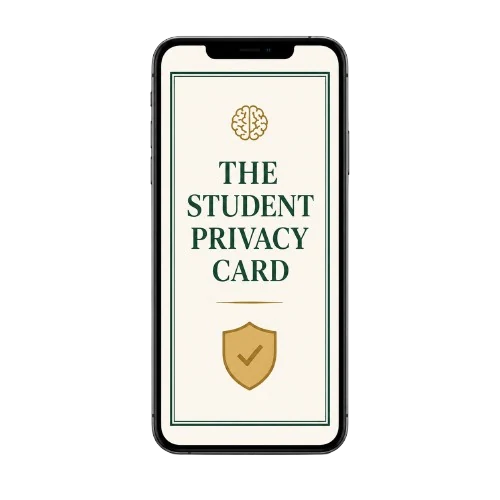
Free bonus: The Student Privacy CardSo you stay personalized and protected at the same time.

The 30-day "lighter workload or every cent back" guaranteeUse it for 30 days. And if it doesn't lighten your workload, you get every cent back.
One time. Not monthly, not per seat, and not something your school has to approve.
One-time paymentInstant access30-day money-back guarantee
Reviews
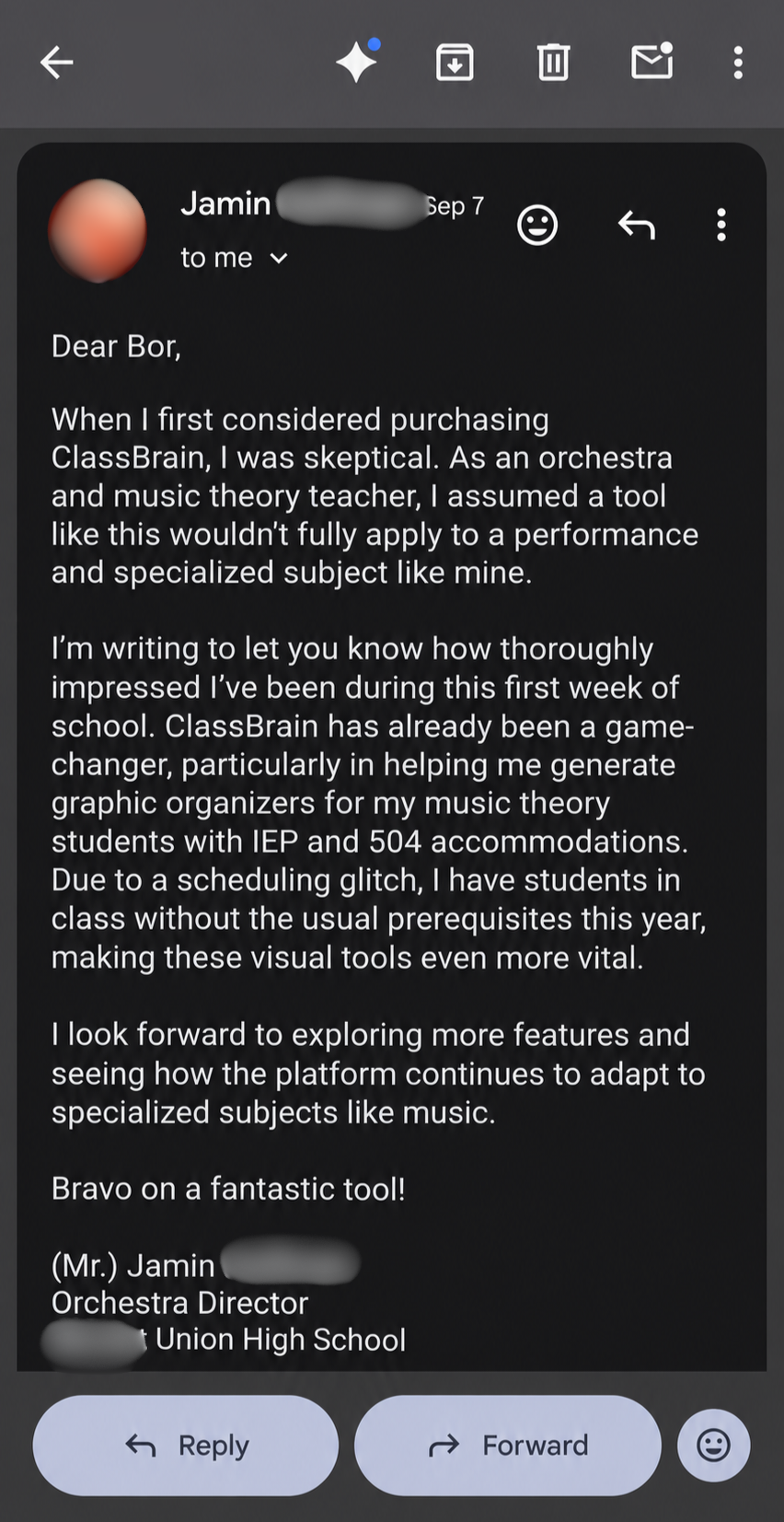
ClassBrain reviews, straight from teachers' inboxes
No star widgets here. Just the emails teachers sent us, word for word.
Tap any email to read it full size.




Who it's for
Is ClassBrain for you?
It's for you if you're...
- A K-12 teacher, any grade and any subject
- A specialist, coordinator, or counselor with your own pile of paperwork
- Teaching in the US, Canada, the UK, Australia, or New Zealand
- New to AI, or already using it and tired of fixing the drafts
It's not for you if you want...
- An AI that grades your students' work for you
- Drafts that go out without you reading them first
- A district platform with admin dashboards (ClassBrain is your own personal setup)
- To keep writing every lesson plan and parent email from scratch, because the hard way feels like the "right" way
Student privacy
Private from the very first file
- The guide has you build everything in initials and roles, never real names... so you could hand your whole ClassBrain folder to a stranger and they couldn't identify a single student in it.
- Your folder sits on your own computer. The AI reads it before a task, and it isn't keeping your room or uploading your students anywhere.
- The Student Privacy Card lays out exactly where the line is for your country, FERPA included, plus the never-paste list.
The 30-day "lighter workload or every cent back" guarantee
Use the guide for 30 days... build your ClassBrain and run your real lesson plans, parent emails, and sub plans through it.
I 100% guarantee you'll spend less of your evenings on paperwork and get your first free evening in months... or send one email to info@getclassbrain.com and you get your $27 back. No forms, no hoops, no questions asked.
Either way, you keep the guide and all 3 bonuses.
Questions before you grab it?
Email info@getclassbrain.com... a real person reads every message and writes back.
FAQ
ClassBrain FAQ
Is ClassBrain legit?
Yes. ClassBrain is a digital guide for K-12 teachers, and 152+ teachers already have it. Checkout runs through Stripe, you get instant access, and every order comes with the 30-day money-back guarantee. And if you have a question, email info@getclassbrain.com... a real person answers.
What exactly do I get?
The ClassBrain Guide (a step-by-step PDF with a copy-paste build prompt for every file) plus three free bonuses: the Daily Playbook, the Prompt Vault, and the Student Privacy Card. And you get instant access right after checkout.
Is it a subscription?
No. It's $27, one time... nothing renews and nothing auto-bills.
Do I have to pay for the AI too?
Not necessarily. ClassBrain runs on the AI you already use, free plans included, and the guide shows you the best setup for each one. The paid tiers ($20 a month, paid to them, not us) give you longer sessions and a stronger model... nice to have, not required. And if you teach K-12 in the US, both Claude and ChatGPT currently give verified educators their paid tier for free. The guide shows you how to claim it.
Which AI does it work with?
ChatGPT, Claude, and Gemini. You build your folder once... and if you ever switch, you just take it with you.
Is my students' data safe?
Yes. Everything is built in initials and roles, never real names... and your folder stays on your own computer. And the Student Privacy Card covers FERPA and the rules where you teach.
I'm not a tech person. Can I do this?
If you can copy, paste, and answer questions about your own classroom, you can do this. And the AI does the typing... one clear step at a time.
What if it doesn't work for me?
Email info@getclassbrain.com within 30 days and you get every cent back. And you keep the guide and the bonuses anyway.
One afternoon
Build your ClassBrain in one afternoon
Write your classroom down once. And every draft after that starts from your room.
Start building your ClassBrain ($27)One-time paymentInstant access30-day money-back guarantee